Plan · Drive · Remember

The road, perfectly planned.

Map every stop. Save every drive. Track where you are in real time. Built for the way you actually travel.

Scroll
Live
Real-time GPS tracking
1,800+
Superchargers mapped
All 50
States · plan anywhere
Trips you can save
How it works

Three steps. The whole trip.

01

Plan it.

Drop your stops on a map. The app handles drive times, suggested routes, and surfaces the Superchargers along your way.

02

Drive it.

Hit Start Trip when you leave. Live GPS tracks where you are on the route. Past stops dim, current stop highlights, future stops wait their turn.

03

Remember it.

Every trip stays saved to your account. Look back at where you went. Add notes after the fact. Plan the next one from a copy of the last.

Built for the road

Tesla Superchargers, on the route.

The full National Renewable Energy Lab Supercharger network — surfaced not just at your stops, but along your entire driving route.
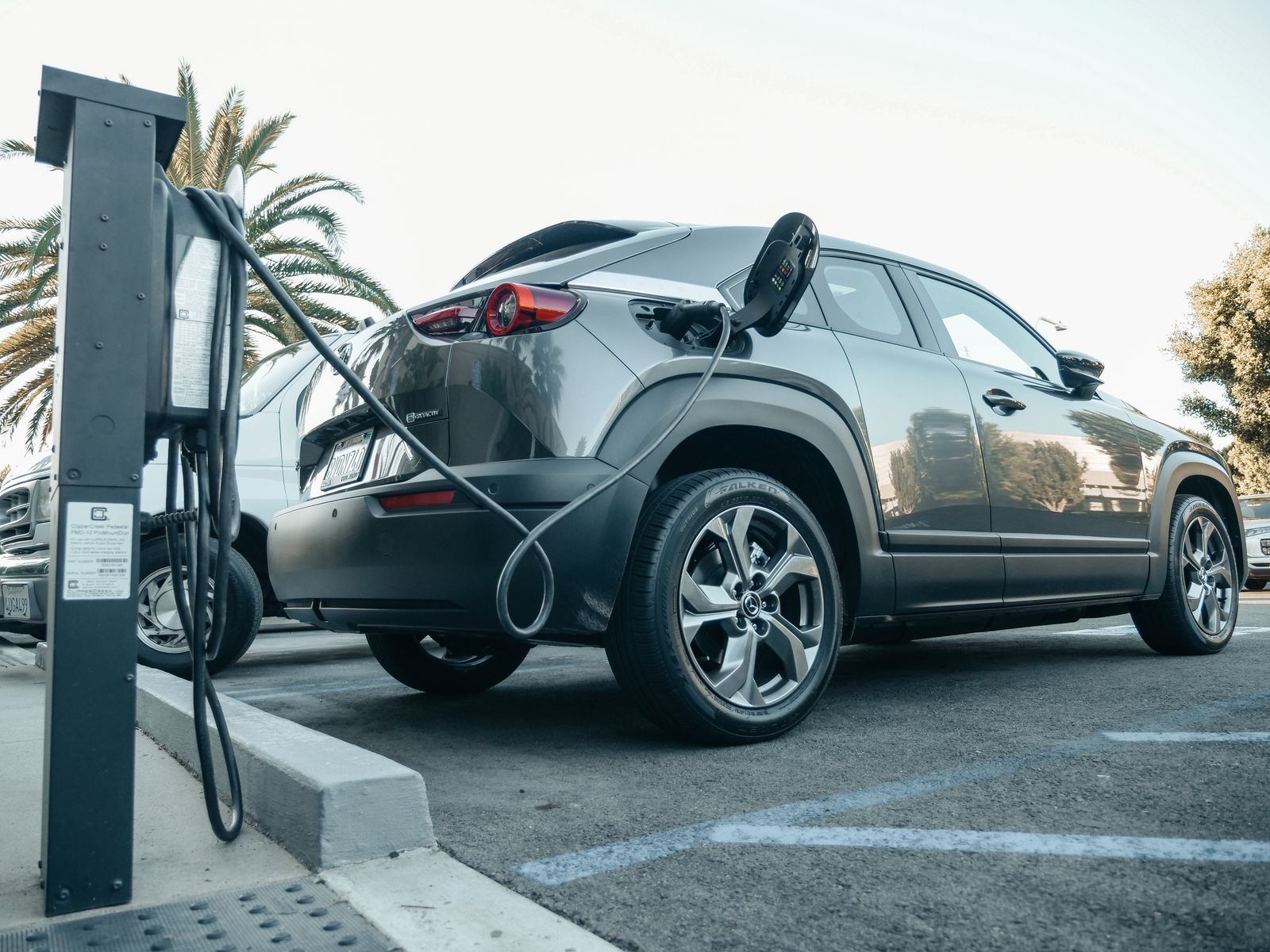
  • Live data from NREL · refreshed daily
  • Tap any pin for address, hours, and connector type
  • Opens in your phone's native maps app
Charging station
Trip mode

Live GPS. Auto check-in.

Tap Start Trip when you hit the road. The app figures out which day you're on, which stop is next, and how far you've traveled — automatically.

  • Pulsing blue dot tracks your real-time position
  • Color-coded progress along the route polyline
  • Manual check-in if you'd rather control it yourself
Your archive

Every trip you've ever planned.

Sign in to save trips to your account. Browse them anytime. Duplicate one to start the next. The app remembers what you don't.
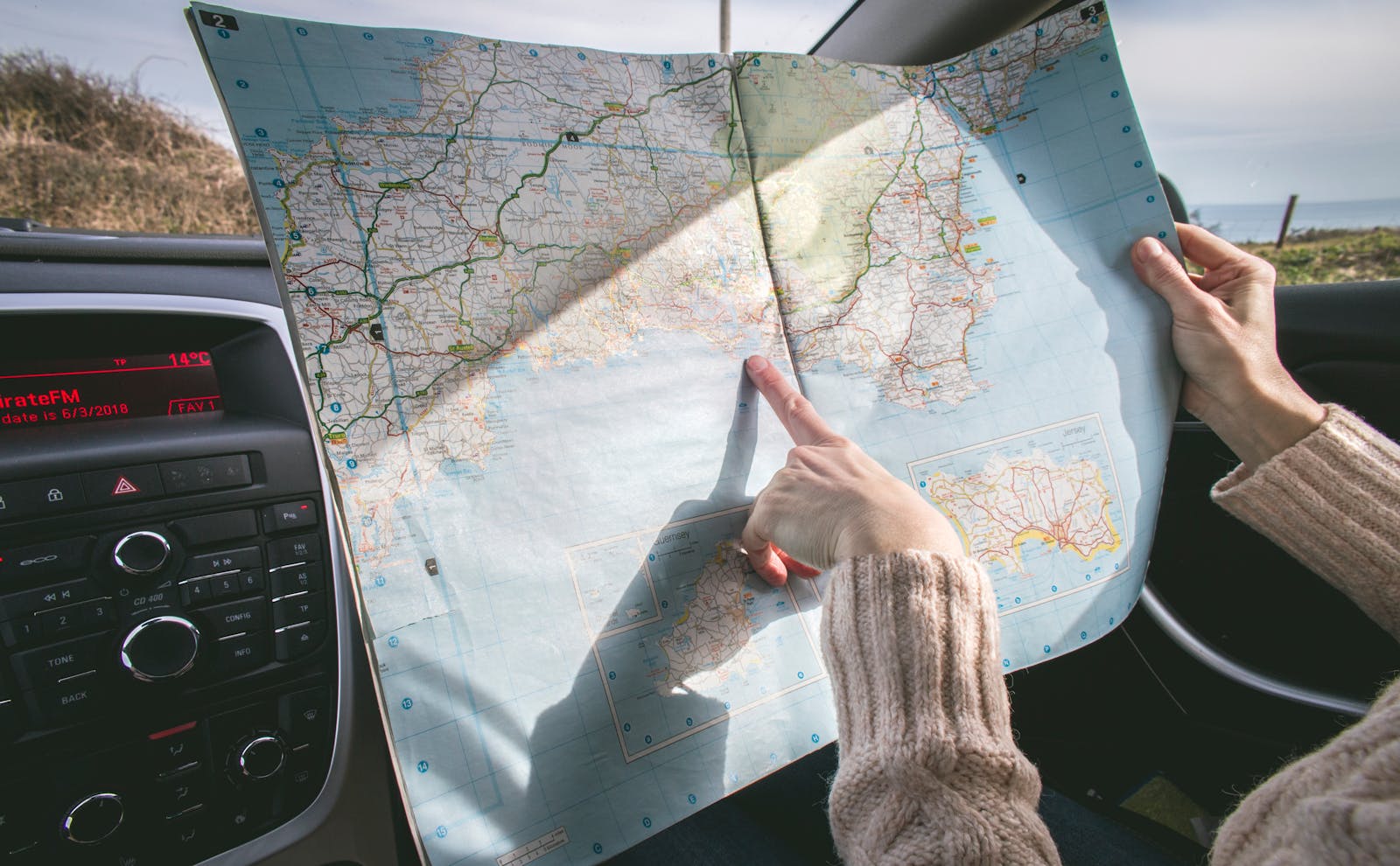
  • Unlimited trips · no paywall
  • Edit stops, drive times, notes any time
  • Comes with a default Boston Loop to play with
Open road
"
Designed for the way you actually drive.
— from the steering wheel —

Plan your trip.
Drive your trip.

Road Trip Planner

Sign in to save and revisit your trips

Don't have an account? Sign up

Forgot password?

or

Your Trips

🗺️

Plan Your Road Trip

First, where are you starting from?

📍
Enable Location Access
Follow these steps to turn on location for Safari
  1. 1 Open the Settings app on your device
  2. 2 Tap Privacy & Security
  3. 3 Tap Location Services and make sure it's turned on
  4. 4 Scroll down and tap Safari Websites
  5. 5 Select While Using the App and turn on Precise Location
  6. 6 Come back here — location will activate automatically